

Sign Up and Log In to Mew.Design
Create a Mew.Design account to start generating editable designs with AI. New users receive 50 free credits after registration, with no credit card required.
Create an Account
Section titled “Create an Account”Step 1. Open Mew.Design
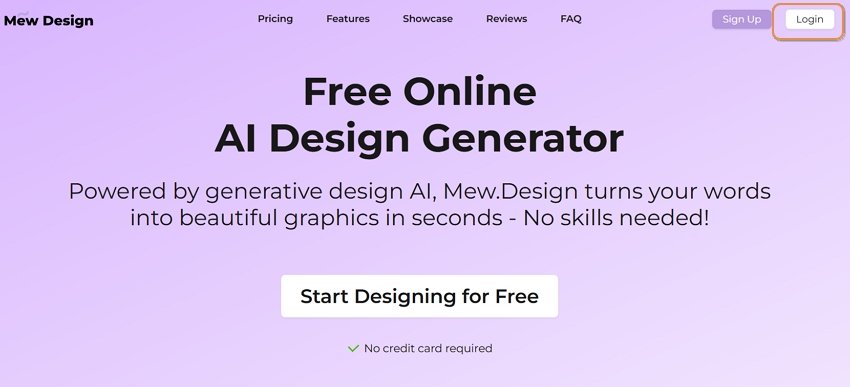
Section titled “Step 1. Open Mew.Design”Visit Mew.Design and click Start Designing for Free, Sign Up, or Design. You can also go directly to the workspace entry point:
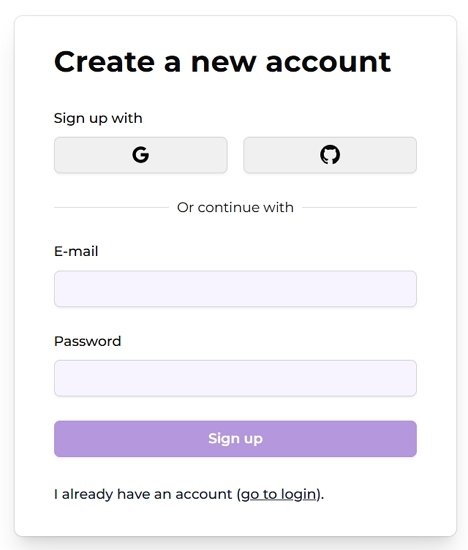
Step 2. Choose a Sign-Up Method
Section titled “Step 2. Choose a Sign-Up Method”Enter your email address and create a password, or use a supported social sign-in option such as Google or GitHub.
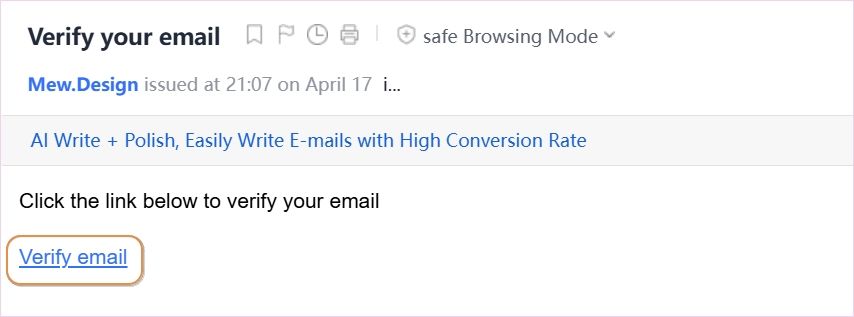
Step 3. Verify Your Email
Section titled “Step 3. Verify Your Email”Open the verification email from Mew.Design and click the confirmation link.
Step 4. Enter the Workspace
Section titled “Step 4. Enter the Workspace”If you verify on desktop, you may be logged in automatically. If you verify on mobile, return to Mew.Design and log in with your email and password.
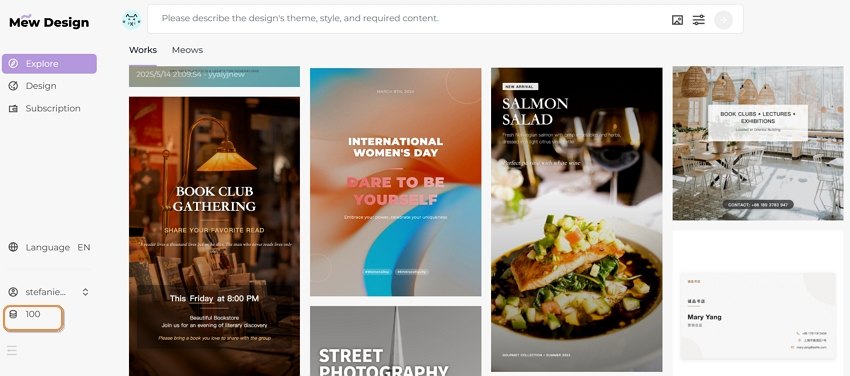
Step 5. Check Your Credit Balance
Section titled “Step 5. Check Your Credit Balance”After login, your 50 free credits are added automatically. Your current balance appears in the workspace and account areas.
Log In Later
Section titled “Log In Later”Mew.Design usually keeps you signed in after your first login. On your next visit, use My Workspace or Design from the main site navigation to return to the editor.
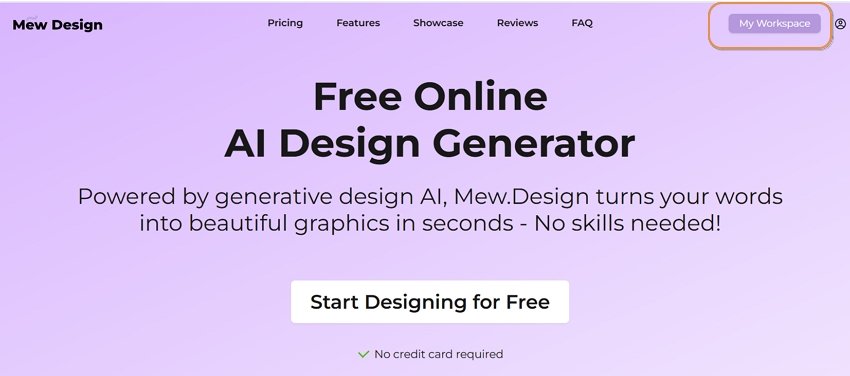
If you log out, click Log In on the main site and sign in again with the same account.
Account Areas to Know
Section titled “Account Areas to Know”- Credits: View your available credits and usage history.
- Subscription: Upgrade your plan, buy credits, and review credit rules.
- API keys: Create keys for MCP or Open API workflows.
- Language: Change the interface language. Design prompts can be written in many languages.